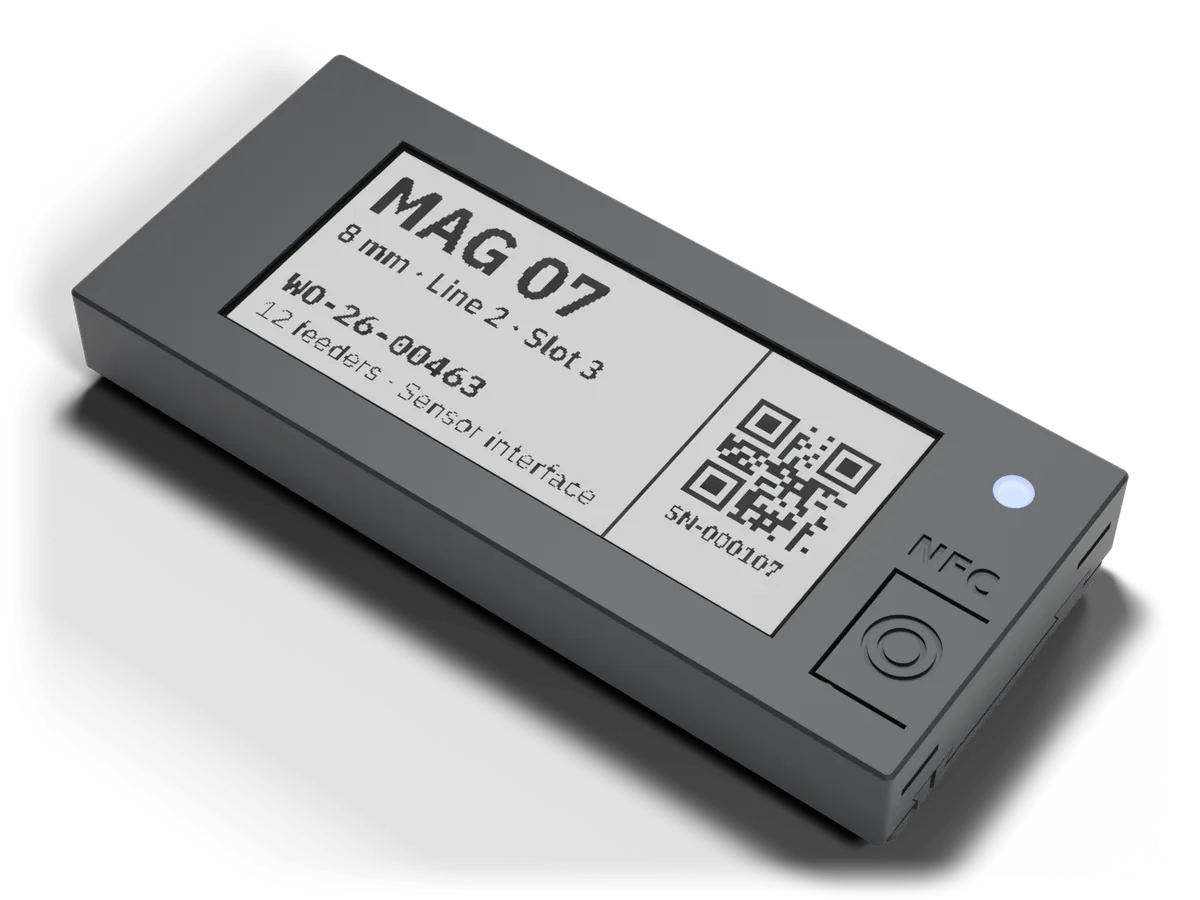
Strip, 2.9"
For SMD magazines, bins and shelf edges.
- Panel
- 296 × 128, black and white or four colours
- Size
- about 100 × 44 × 13 mm
- Mount
- Slides onto an adapter plate stuck to the magazine
Merkora puts e-paper labels with an RGB LED and a button on kitting boxes, SMD magazines and shelves. Your ERP decides what each label shows and when it blinks, so nobody has to search the racks.
In development. The software runs against a simulator and the first labels are on the drawing board.
Try it: send what your ERP would send
Or press the round button below the box label, or the button on a magazine label. That confirms the pick.
Simulation. Real colour panels take about 20 seconds to redraw; the LED doesn't wait for that.
One request travels through five stations. The light comes on before the label has finished redrawing.
Your ERP
Changes an order or asks for a box to be found. ERPNext has an app; any other system uses the REST API.
Control center
Works out what every label should show. Runs in our cloud or on your own servers.
Bridge
A small container in your network. It draws the label images and talks to the access points.
Access points
On the ceiling, powered over Ethernet. Three or four cover about 1,500 m².
Labels
Redraw and blink, using the Bluetooth 5.4 standard for shelf labels.
Panels in the sizes the shelf-label industry makes by the million, so they stay cheap and easy to source. The housings are modelled in code, and the pictures below are rendered from that same model.
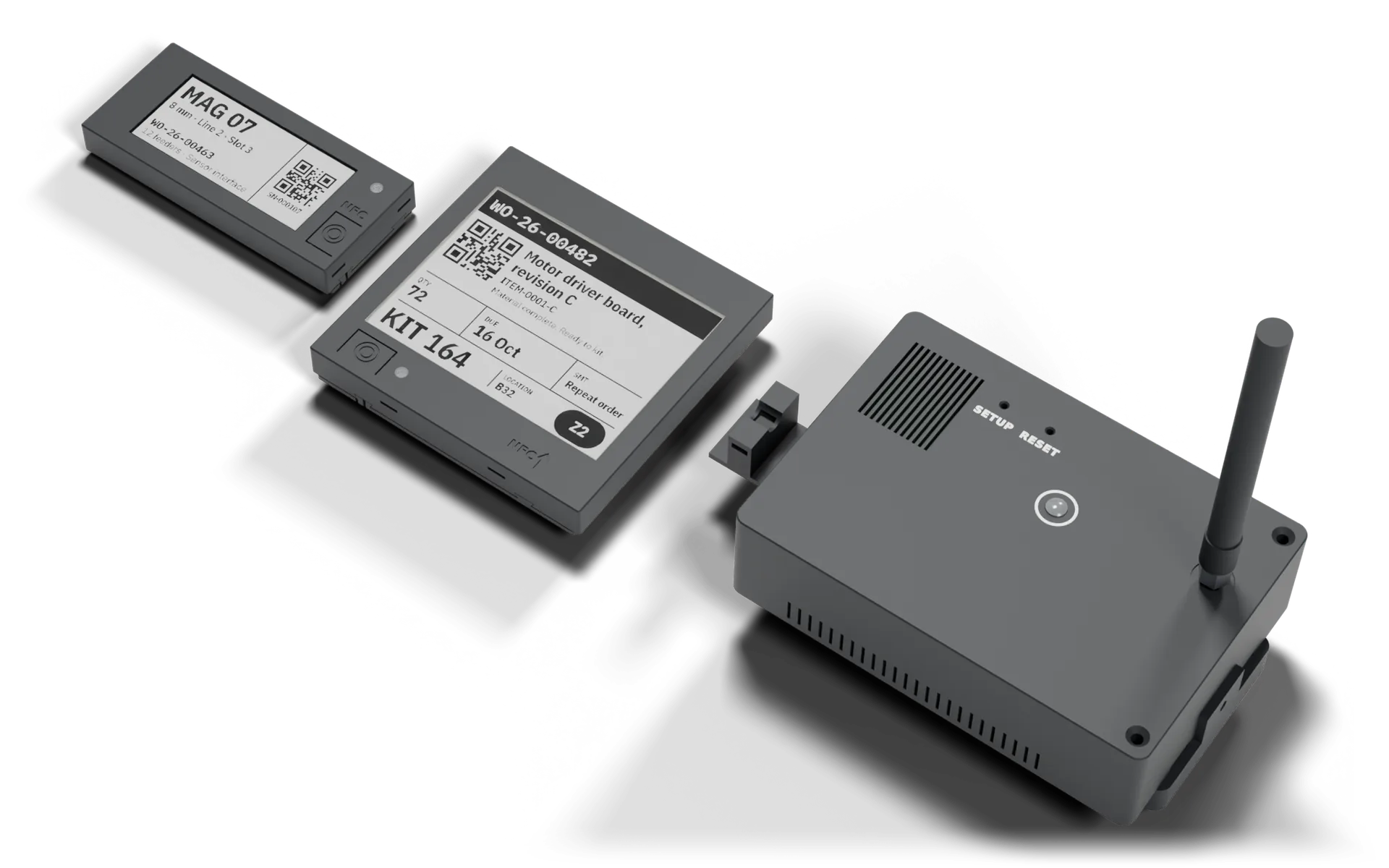
For SMD magazines, bins and shelf edges.
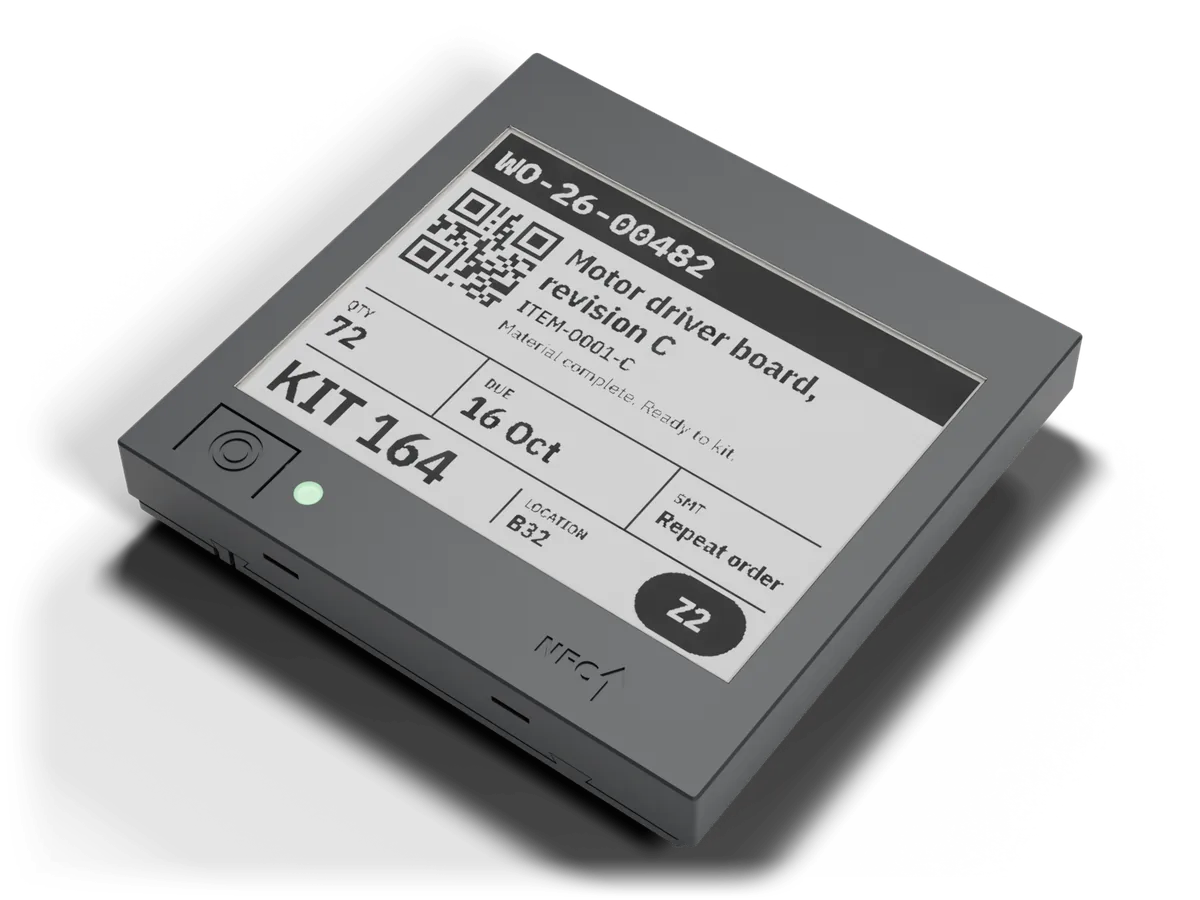
For kitting boxes, carts and stations. Replaces the A5 paper label.
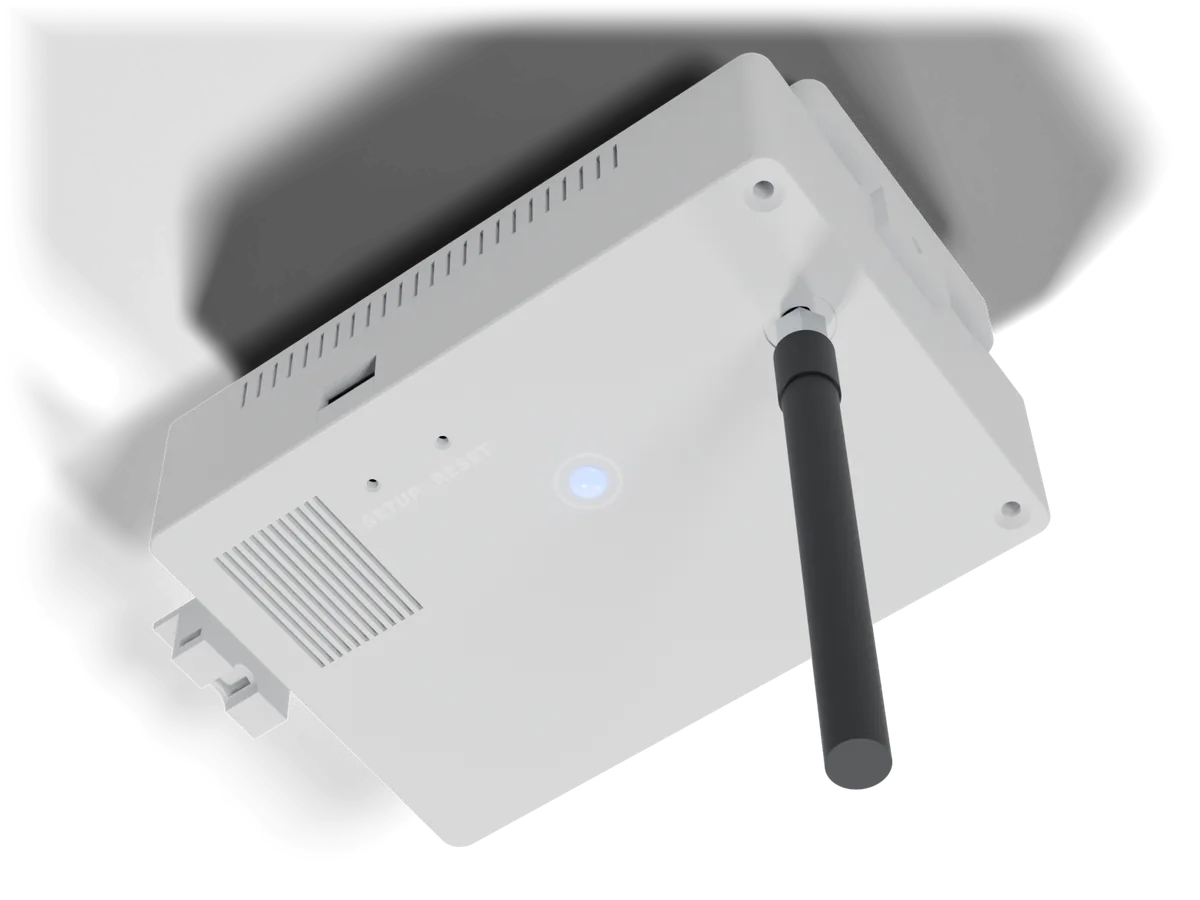
On the ceiling, wired to the bridge. One Ethernet cable brings power and data.
Mounting, materials and how the parts are made are on the hardware page, and each product has a datasheet to download.
| LED | RGB, starts blinking within about 2 seconds of a request |
|---|---|
| Button | One on the front of every label, tile and strip. A press confirms a pick and is reported to your ERP |
| Battery | Two CR2450 coin cells in parallel, behind a snap door that a coin or flat screwdriver releases. Designed for 5+ years at a few updates a day |
| Radio | Bluetooth 5.4 Electronic Shelf Label profile, encrypted |
| Pairing | Tap with a phone over NFC, or scan the QR code |
| Housing | For indoor use next to ESD-sensitive parts. Prototypes are printed in static-dissipative PETG |
These are design targets. The boards are being designed now, and no part of the hardware is certified yet.
Kitting boxes
Work order, due date and priority on the box. When planning moves the order up, the label turns red on its own.
SMD magazines
Which job a magazine is set up for. When the line needs it, it blinks green on the rack.
Warehouse bins
Part number and quantity to take. The light leads the picker to the right bin; the button confirms the pick.
Kanban
A card that reorders itself. Press the button when the bin runs empty and your ERP gets the signal.
Merkora doesn't keep its own copy of your orders. It asks your ERP what a label should show and tells it when someone presses a button.
Make every label on kitting box KIT 164 blink
curl -X POST https://your-server/functions/v1/api/v1/locate \
  -H "Authorization: Bearer mk_live_…" \
  -H "Content-Type: application/json" \
  -d '{
    "entity": { "doctype": "Warehouse", "name": "KIT 164" },
    "preset": "locate"
  }'
Full reference in the API docs.
Every setup uses the same containers. Nothing is tied to our cloud, and you can move between modes later.
| Setup | Control center | Bridge | How they connect |
|---|---|---|---|
| Merkora Cloud | Hosted by us | In your network | A tunnel to the bridge, for example Cloudflare Tunnel |
| Your cloud | Your Supabase project and one container | In your network | Tunnel, VPN or an open port |
| On premises | A server in your network | Next to it | Your local network, nothing else |
Newmatik assembles circuit boards for other companies. We started Merkora because we needed it on our own floor: kitting boxes whose orders change every day, and SMD magazines that have to reach the right line at the right time.
We design the boards ourselves, will build them on our own assembly lines, and run every version in our own production before anyone else gets it. The code and design files are meant to be published, so you can check what runs in your network.
Not yet. Everything is written to be published: Apache-2.0 for software and firmware, CERN-OHL-W for the hardware. We will open the repository once the first hardware version is stable.
We are designing the first boards now and will run them in our own factory first. Request early access and we will tell you when pilot sets are ready.
No. ERPNext gets a ready-made app. Any other system can use the REST API and webhooks.
The LED starts blinking within about two seconds. A new image takes longer, because e-paper redraws slowly: a few seconds on black-and-white panels and about 20 seconds on colour panels.
The design target is five years or more with a few updates and some blinking each day. We will publish measured numbers once labels run in production.
Only if you use our cloud. Run the control center on premises and everything stays in your network. Labels keep showing their last image even with no power or network at all.
Not today. The bridge has pluggable radio drivers and we are evaluating commercial labels, but none is supported yet.
The Bluetooth standard addresses thousands of labels per access point, so coverage is what decides. Plan three or four access points for about 1,500 m².
We are looking for a few manufacturers to run pilot sets with us. Tell us what you would label and roughly how many.
Request early access